Proftime: Digital Planning and Accounting of Teaching Workloads
Planning and accounting for teaching workloads at universities often still runs on paper and email — confusing, error-prone, and time-consuming. This is exactly where my student project comes in: Proftime is a web-based application that digitizes and simplifies the processes around courses, teaching loads, and accounting for university staff.
Below I show how I built a scalable system with a modular architecture using React, TanStack, Keycloak, and more.
The Goal: Less Excel, More Clarity
Two user groups were at the center:
- Faculty: plan courses, submit teaching loads, and handle accounting
- The dean's office: oversee faculty planning, approvals, and workload reductions
My goal was a system that is intuitive, modular, maintainable, and secure and that simplifies the complex day-to-day work at a university.
The Technical Foundation: Modern, Modular, Robust
The application is built on a React frontend with TypeScript and a Spring Boot REST API on the backend. Technologies used in the frontend include:
- TanStack Router & Query — routing and data handling with type safety
- Shadcn UI — a clean, customizable UI
- React Hook Form + Zod — typed, validated forms
- i18next — internationalization
- Keycloak — secure login and role-based access control
The architecture is modular, including a Docker-based dev environment and clear component and schema management.
UX & Features: Efficient and Accessible
The focus was on usability:
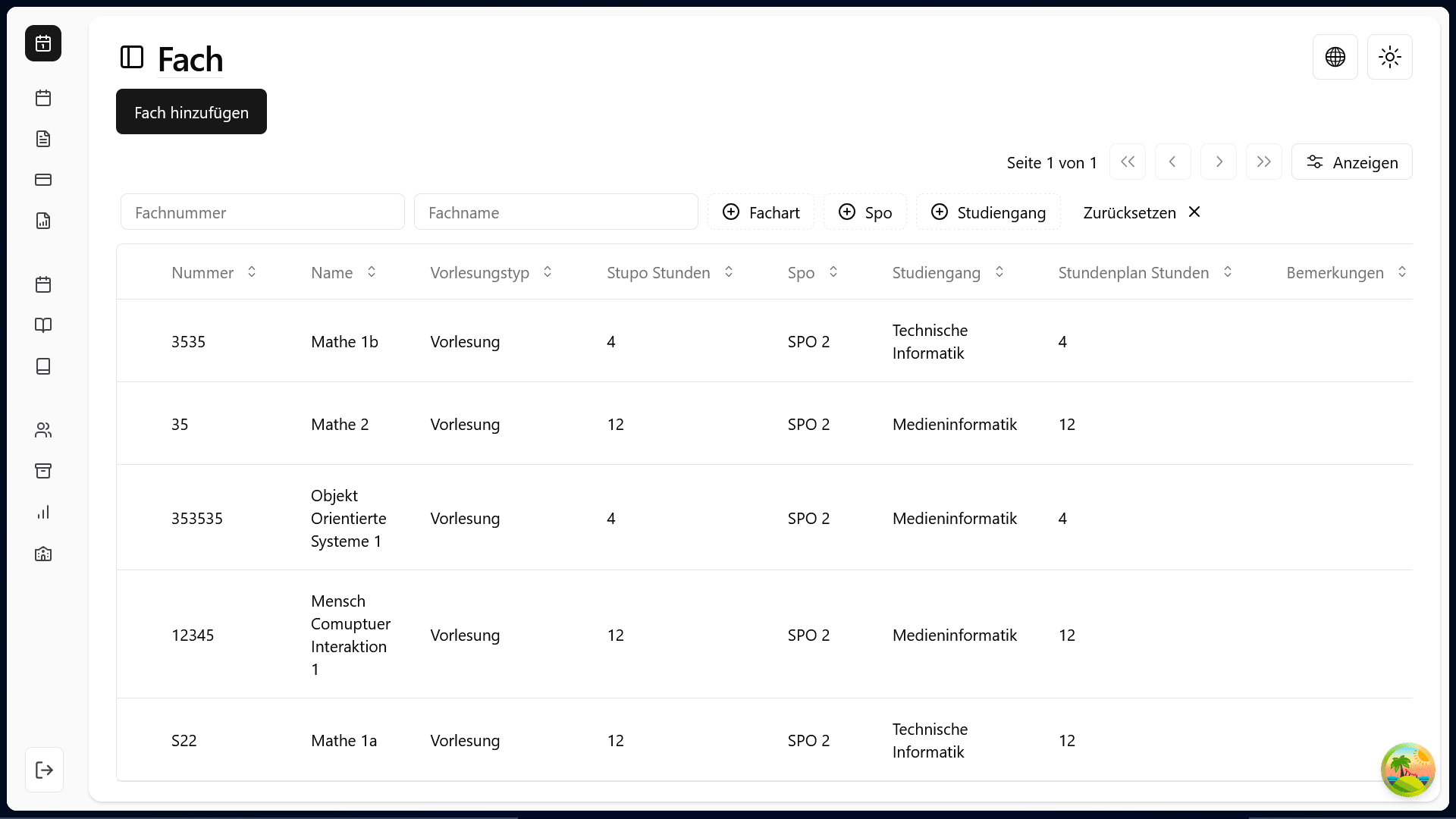
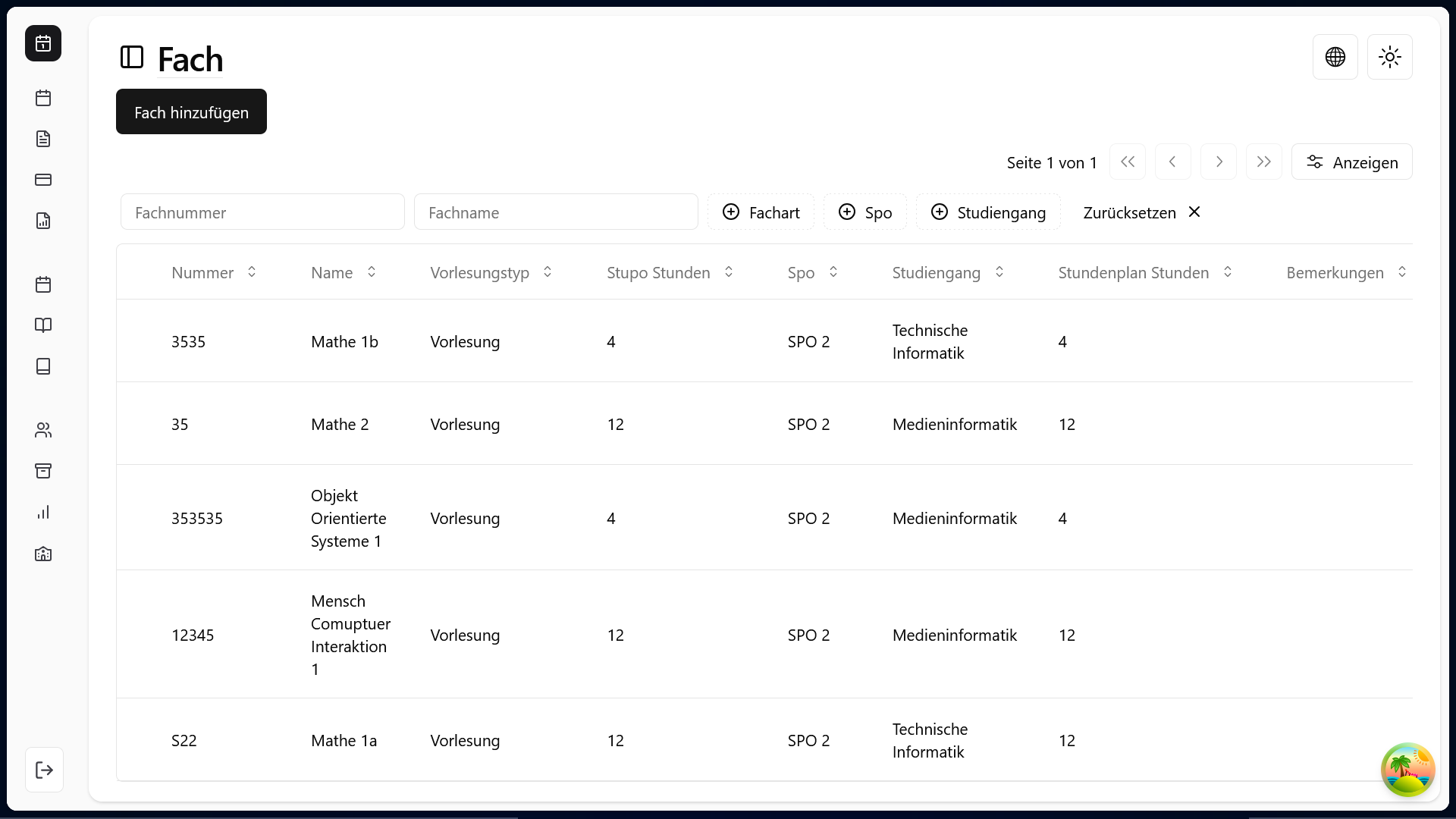
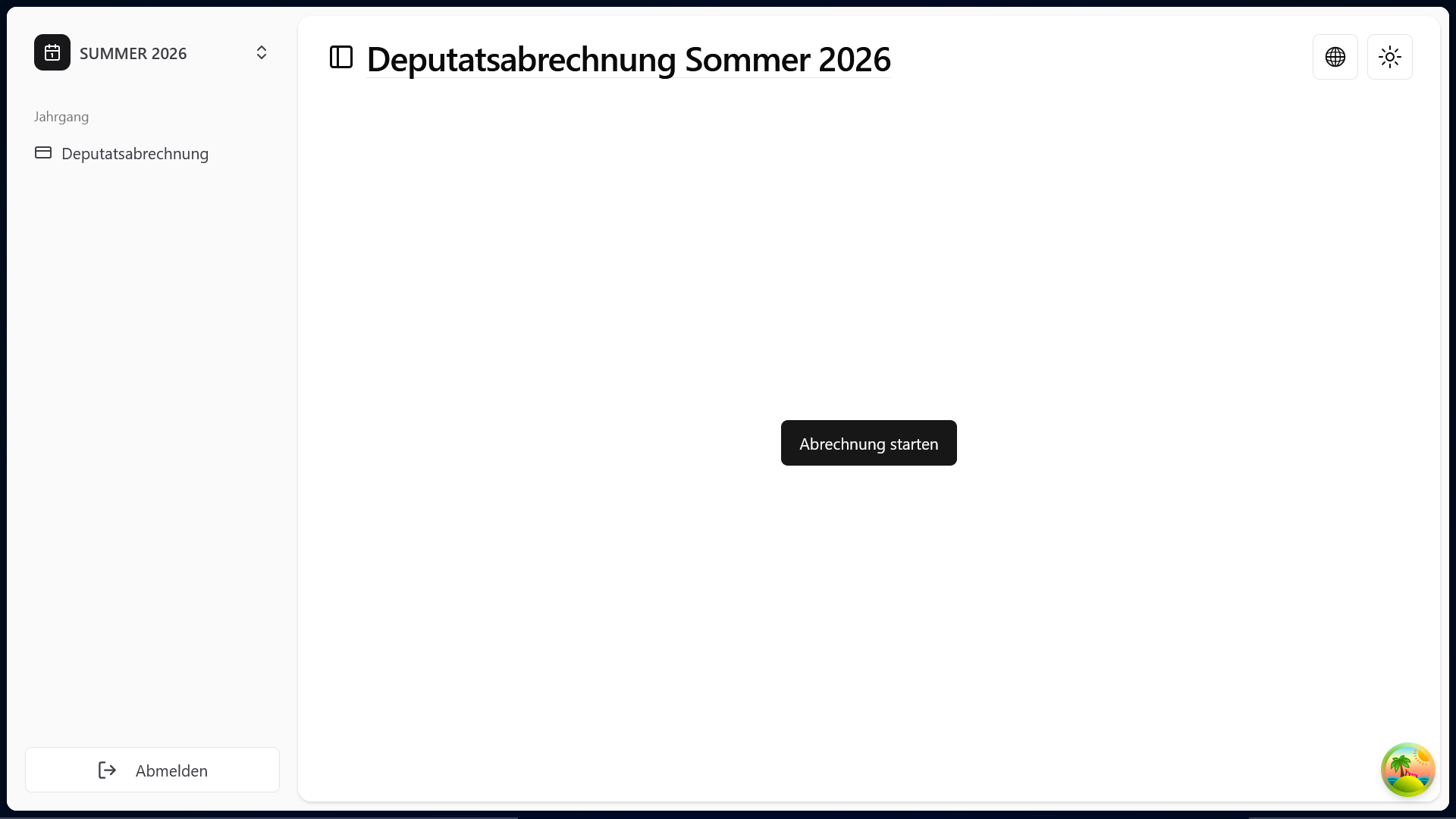
- Clearly structured UI with sidebar, header, and action bars
- Role-specific views (faculty vs. dean's office)
- Reusable tables with inline editing
- Dialogs and forms with validation and accessibility
- Internationalization from the first commit
- Clear, typed data structure and filtering logic
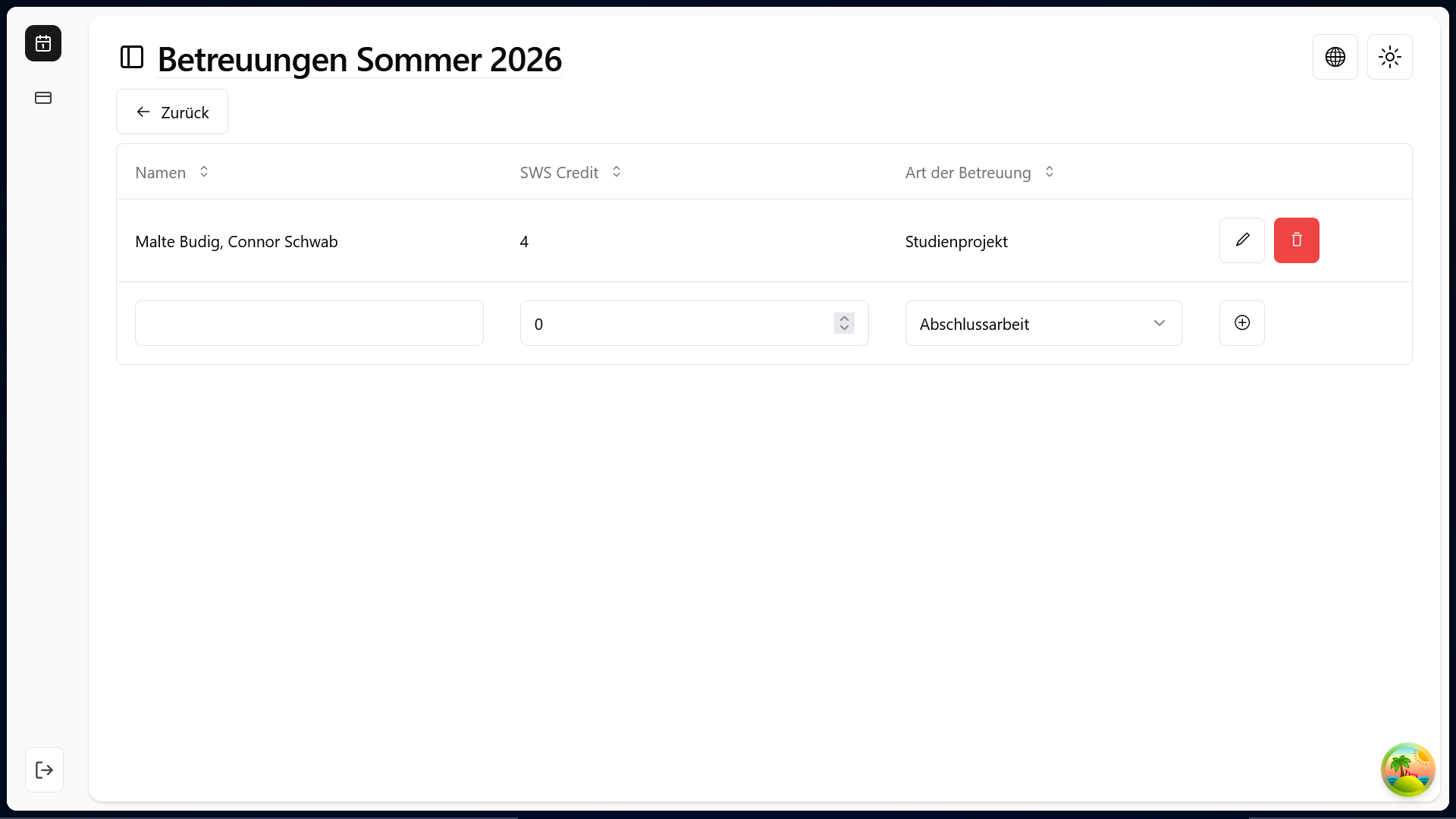
An RBAC system (role-based access control) ensures that users only see what is relevant to them — with clear access control.
Quality & Scalability
The system was designed for testability and extensibility:
- Modular, typed components
- Unit and integration tests for data flows and UI
- Central type and schema definitions with Zod
- Clear separation of logic, structure, and styling
Planned: CI/CD integration, end-to-end tests, and accessibility improvements per WCAG.
Conclusion
Proftime replaces an outdated email-based system with an application that digitizes planning and accounting processes and simplifies them noticeably. It provides a solid basis for further features — from approval workflows and exports to automated reports.
My takeaway: when technology meets real user needs, you get software that genuinely helps.
Note: Proftime is a university-internal project, so the source code and live application are not publicly available (I no longer have access to the internal environment). The screenshots above are from the running system.